
Colorway creator
Create colorways with intuitive textile coloring tools. Experiment with palettes and unlock product variations in a few clicks.
Textile design coloring software
Recolor JPG, PSD with layers, TIFF (spot channels), and indexed artwork in a few clicks. Build and share palettes, create colorways, and export production-ready PDFs, all in one place.
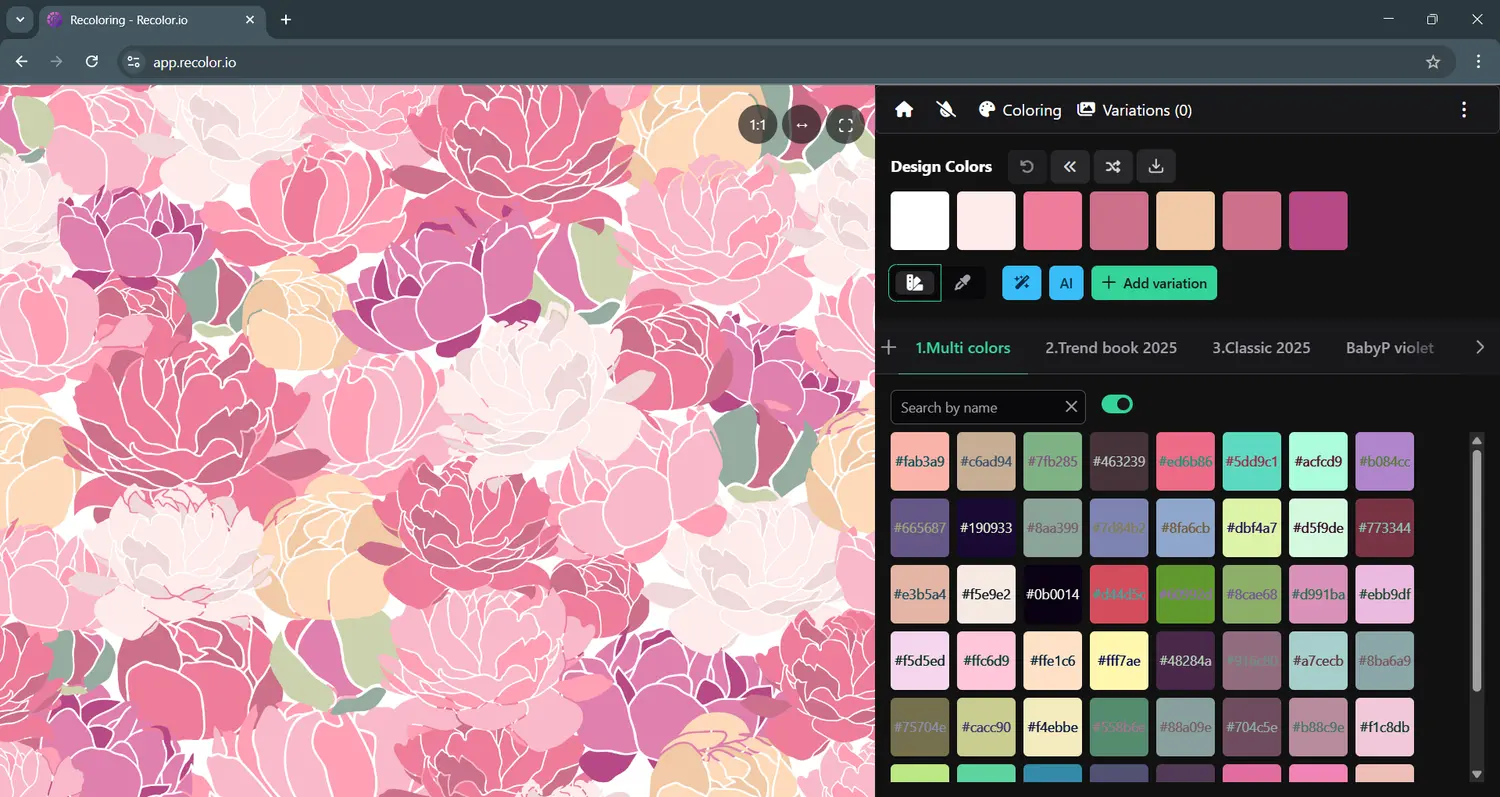
Design realistic dobby fabrics in the browser. Draw warp and weft, generate patterns with AI, edit weaves and drafts, compare colorways, export WIF for mill CAD tools, and download mill-ready TIFF, PNG, JPG, and PDF technical sheets.
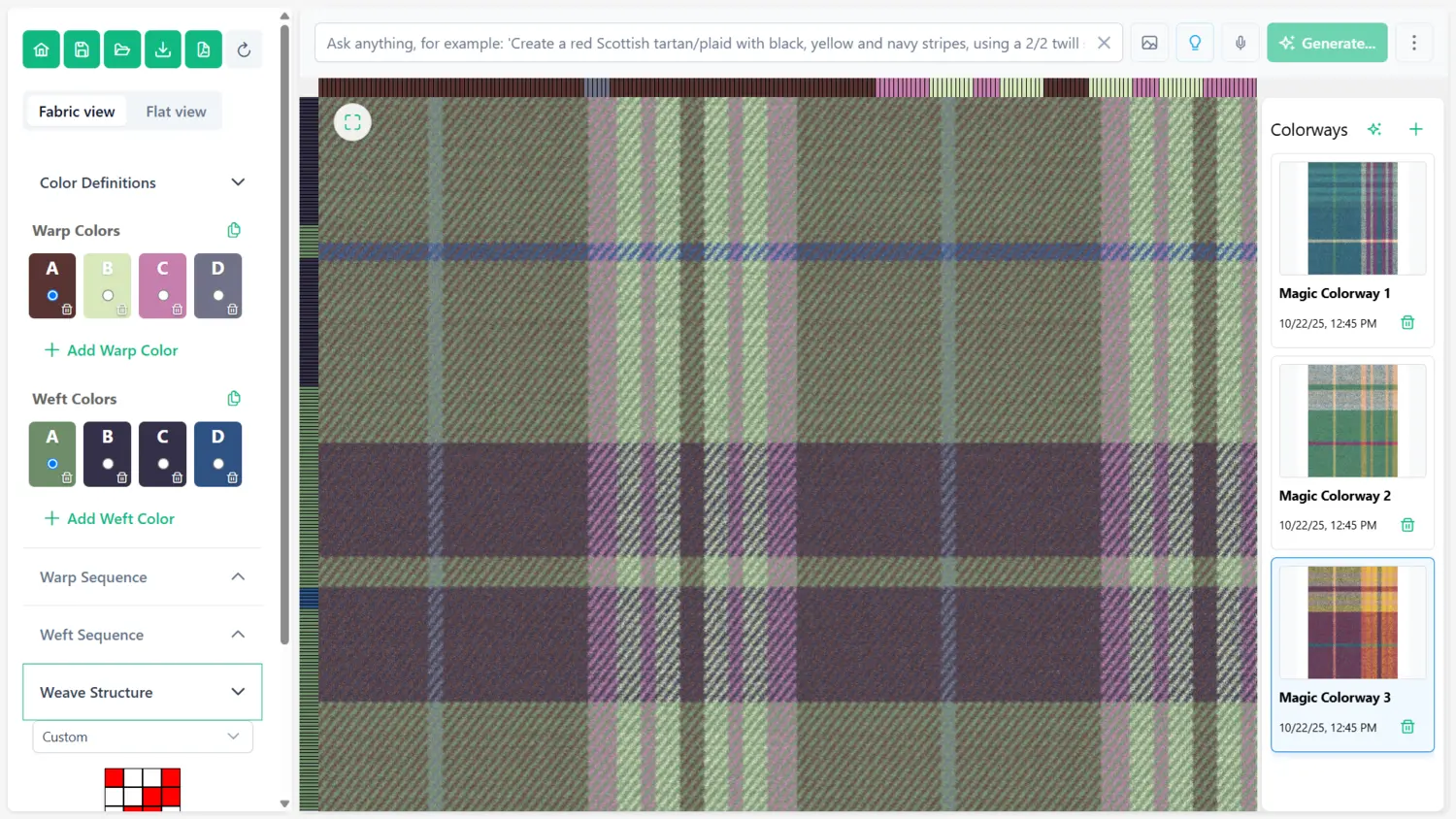
Recolor full-color images, create and share colorbooks, and keep seasonal palettes consistent across studios. Recolor.io combines AI-powered color generation with production workflows for print-ready colorways.
Recolor.io features
From PSD layers and spot channels to colorbooks and PDF reports, Recolor.io is built for fashion, home, and carpet design workflows.
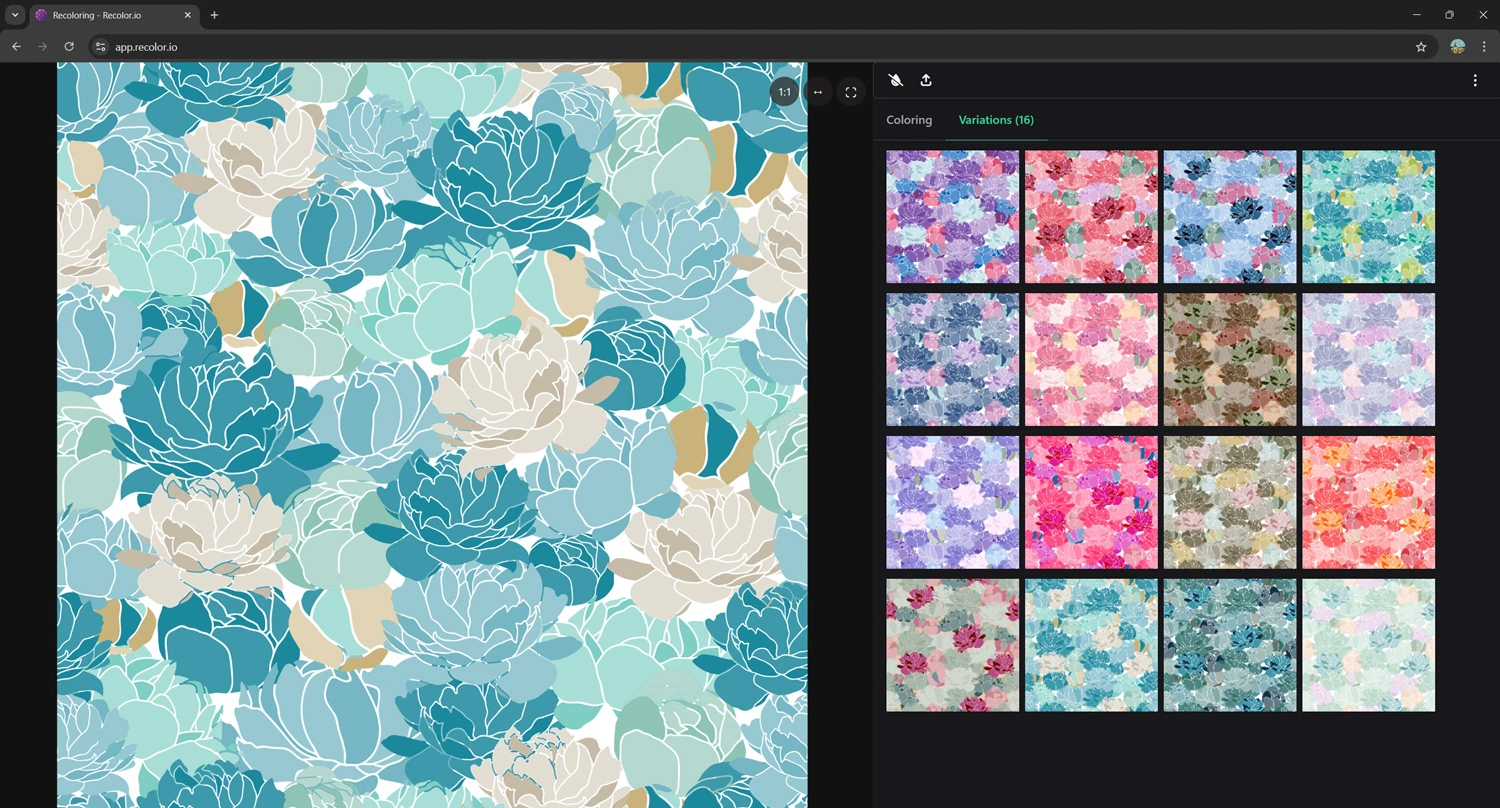
Create colorways with intuitive textile coloring tools. Experiment with palettes and unlock product variations in a few clicks.
Group similar tones for print-ready palettes, or use HSL mode to adjust hue, saturation, and lightness across the full image.
Select any Photoshop layer and adjust colors in real time. No flattening or exporting required to explore new palettes.
Import Adobe Photoshop and Illustrator ASE and ACO files and use them as colorbooks inside Recolor.io.
Remove stray pixels while preserving original artwork so recoloring stays accurate and production-ready.
Recolor Photoshop spot channels from TIFF files, swap palettes, and preview changes without hours of manual work.
Create, organize, and share personalized colorbooks so teams and clients stay aligned on seasonal palettes.
Export professional PDF reports with swatches, names, and detailed color information for clients and production.
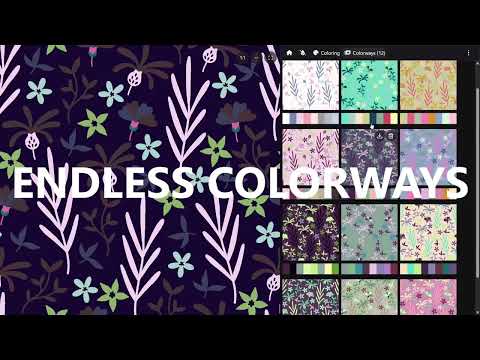
Watch a short tutorial on creating colorways fast. The video loads only after you click play.
New feature
Create your perfect color palette in seconds. Design faster. Recolor smarter.
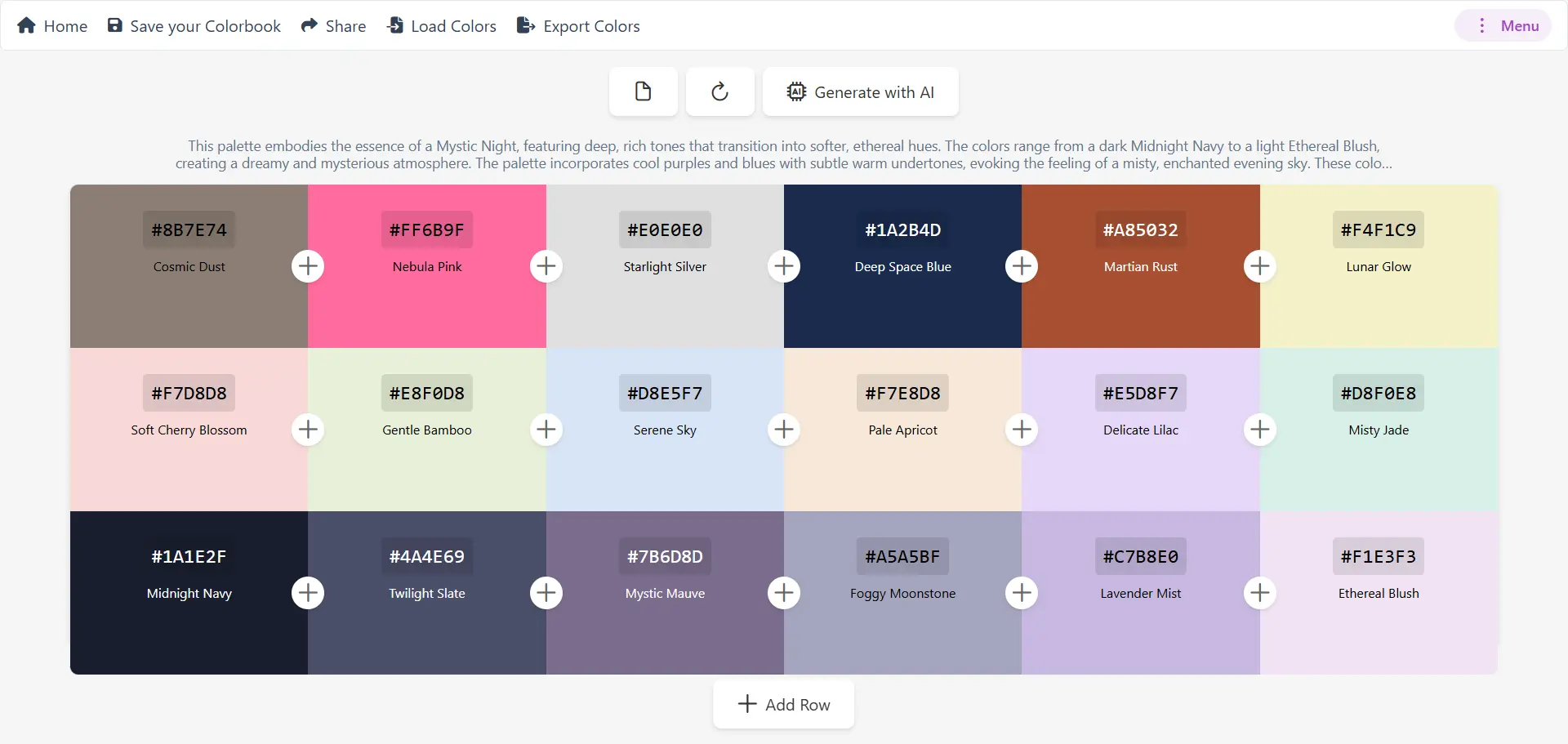
Input a theme, mood, or keywords and generate harmonious combinations from color theory and design trends.
Save your colorbook and share palettes with a unique URL for clients and teammates.
Automatically generate shade, tint, and contrast variations to explore complete color families.
Export AI-generated palettes to Adobe ASE and keep color accuracy across Photoshop workflows.
Generate professional PDF reports with swatches, values, and variations for sampling and sign-off.
View RGB, CMYK, HSL, and HEX values for precise matching in production.
Frequently asked questions
Recolor.io is advanced textile coloring software designed for fashion and interior designers. It allows you to create stunning colorways effortlessly, recolor PSD layers, generate AI-powered color palettes, and manage your design workflow with professional tools.
Our AI analyzes design trends and color theory to generate harmonious color combinations. Simply input a theme, mood, or keywords, and our AI creates perfectly balanced palettes that match your aesthetic vision for textile and fashion designs.
Yes! Recolor.io supports direct PSD layer recoloring without flattening or exporting. Select any layer and adjust its colors in real time, making it effortless to experiment with textile designs and explore new palettes.
We support TIFF, PSD, PNG, BMP, JPG, and Adobe ASE/ACO swatch files. Export your colorways in multiple formats including high-resolution images and PDF reports with detailed color information.
Absolutely! We never share or upload your designs with any AI or third party. Your intellectual property and copyright are fully protected. All processing happens securely within our platform.
No installation required! Recolor.io runs entirely in your web browser. Access it from any device with internet connection and keep your team synchronized with the latest settings and colorbooks.
Pro is for individuals and small studios and includes unlimited colorways, downloads, PSD layer recoloring, AI features, and PDF exports. Pro+ adds Dobby Design Creator, unlimited saved colorways, priority support, and a license for medium to large organizations.
Yes! Create and share personalized colorbooks with your team or clients. Use our colorbook management system to maintain consistency across projects and collaborate on seasonal trends.
Recolor.io is used by fashion designers, textile manufacturers, interior designers, carpet designers, home decor companies, and design studios worldwide for creating colorways and managing design workflows.
Our color matching is highly accurate, supporting RGB, CMYK, HSL, and HEX values. Perfect for precise color matching and production workflows in textile and fashion industries.
Dobby Design Creator is Recolor.io’s Pro+ tool for designing dobby fabrics, plaids, and checks. Draw warp and weft, generate patterns with AI, edit weaves and drafts, export WIF, and download mill-ready images and PDF technical sheets.
Simple pricing
Professional plans for studios and brands.
Small Studio
For individuals & small studios (max 3 employees)
Everything you need for professional design
Cancel anytime
Medium to Large
For medium to large organizations
For medium to large organizations and brands
Cancel anytime
Enterprise
For enterprises with $10M revenue and up
Custom plan for large organizations
We’ll help you choose the right setup
* For users concerned about design Intellectual Property and Copyright, rest assured that we never share or upload your design with any AI or third party.

ArtGo.Digital
Need a place to showcase and manage your designs? ArtGo.Digital is a cloud platform for textile and carpet design management, secure storage, design recoloring, 3D viewing, client portals, and collaboration. Ideal for fashion, textile, and carpet studios.